Quick start
To run a successful QTLs analysis on FUMA, follow the following steps:
1. Upload input file
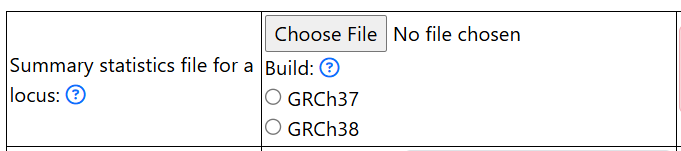
Upload the input file for a genomic risk locus (see GWAS summary statistics for a genetic locus of interest) by clicking on the Choose File button.
Click on either GRCh37 or GRCh38 to select the genome build of your input GWAS summary statistics
2. Add information on the genomic locus
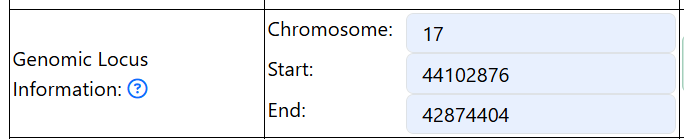
Enter the chromosome, start, and end position of the genomic risk locus.
Please use the same values as you used for preparing the input file.
Example:
3. Select colocalization (if desired)
Click on the button in the Perform colocalization section to select colocalization and update parameters if needed.
4. Select LAVA (if desired)
Click on the button in the Perform LAVA section to select LAVA and update parameters if needed.
5. Other parameters
- Fill in the number of cases
Put in NA if your trait is a continuous trait
Fill in the total number of sample size
6. Select datasets
QTLs datasets are organized by types and name of datasets. Click on the name of the datasets to select.